

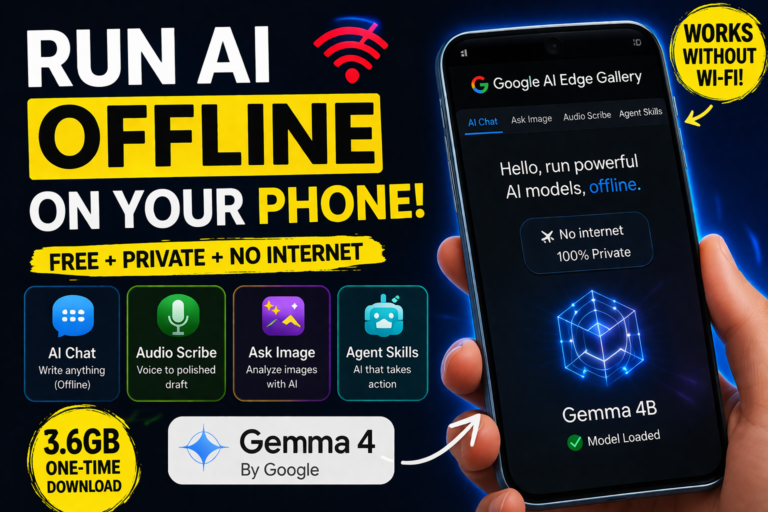
Introduction: AI Without Internet Is Now Real
What if you could use powerful AI without Wi-Fi, without mobile data, and without paying ₹4,000+ per month?
That’s no longer a hypothetical.
With Gemma 4 and Google’s AI Edge Gallery, you can now run AI directly on your phone — completely offline.
No cloud. No subscriptions. No data leaving your device.
In this guide, you’ll learn:
- How to install and set up Gemma 4
- What it can actually do
- Whether it can replace tools like ChatGPT and transcription apps
The Problem: AI Tools Are Getting Expensive
Most users today rely on multiple AI tools:
- ChatGPT Plus — ₹1,999/month
- Google AI Pro — ₹1,950/month
- Transcription tools — ~₹320/month
👉 Total: ₹4,269/month (~$42)
And all of them require:
- Constant internet
- Cloud processing
- Data sharing
This is where on-device AI changes everything.
What Is Gemma 4?
Gemma 4 is a lightweight AI model designed to run locally on devices like smartphones.
It works inside the Google AI Edge Gallery app, which acts as the interface.
Key Idea:
- App = Interface
- Model = Brain
Once downloaded, the AI runs entirely on your phone.
How to Run AI Offline on Your Phone (Step-by-Step)
Step 1: Download Google AI Edge Gallery
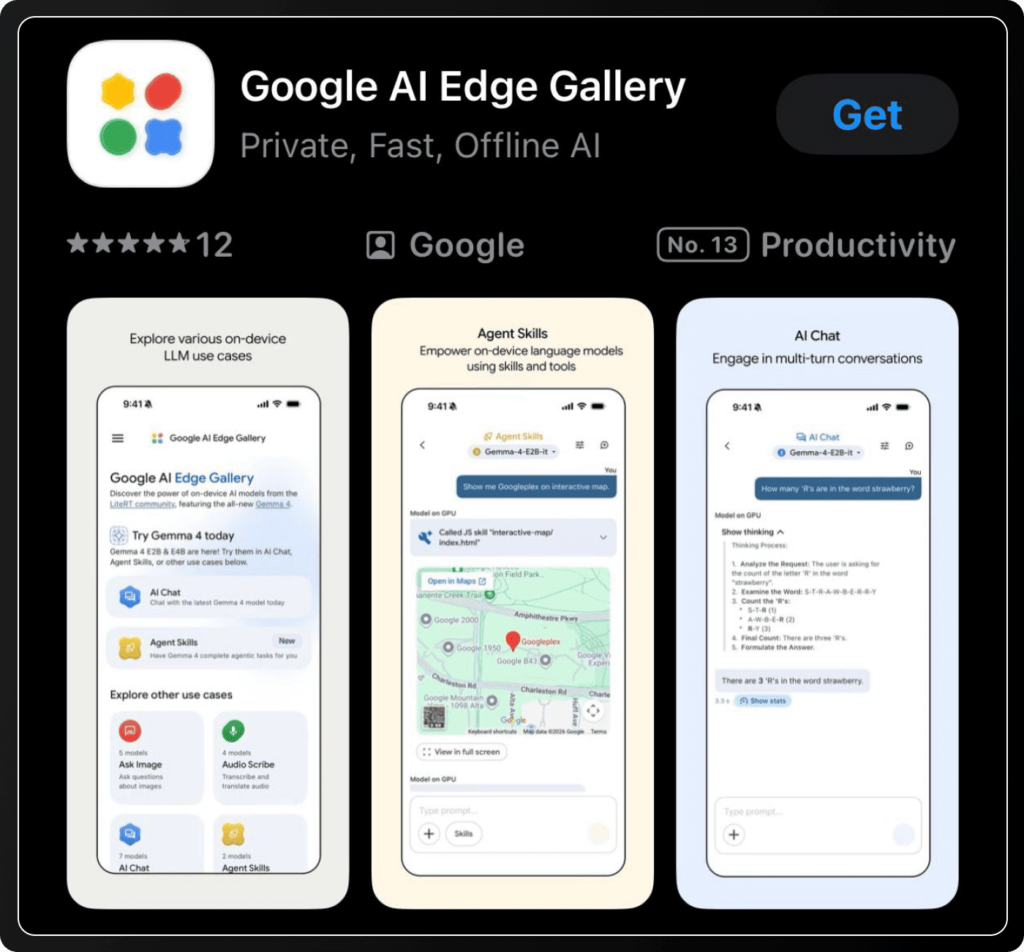
- Go to Play Store (Android) or App Store (iPhone)
- Search: Google AI Edge Gallery
- Install and open the app
You’ll see:
- AI Chat
- Ask Image
- Audio Scribe
- Agent Skills
Step 2: Download the Gemma 4 Model
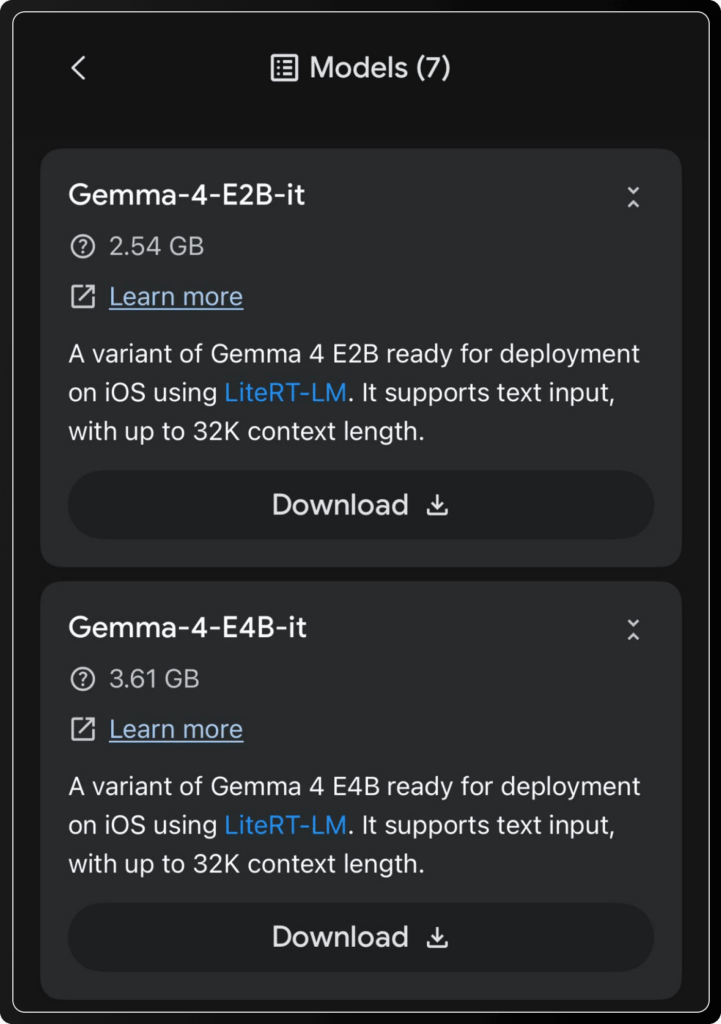
Before using AI, you need the model:
- Choose: Gemma 4 (4B version)
- Size: ~3.6GB
- One-time download
Once installed, you can use AI even in airplane mode.
Features: What Gemma 4 Can Do
1. Offline AI Chat (Private & Instant)
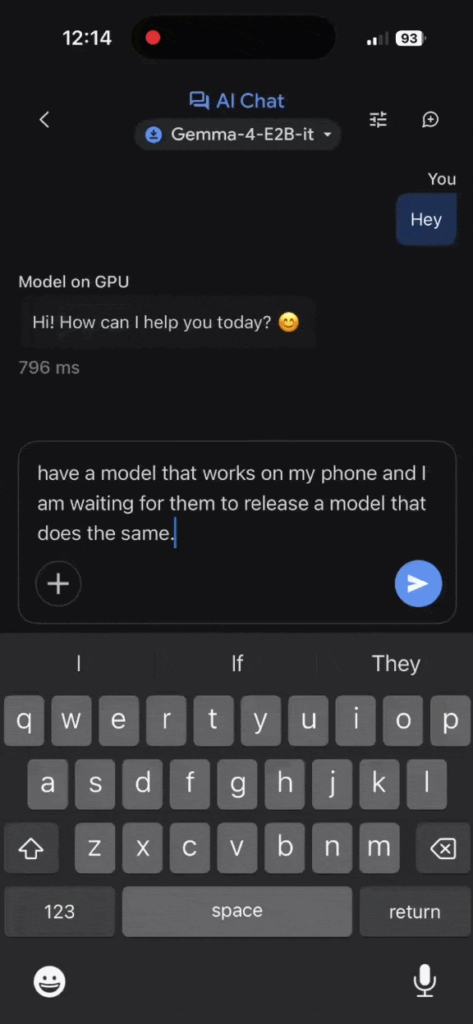
Turn off your internet and try this:
- Open AI Chat
- Enter a prompt
- Get instant responses
Why it matters:
- No server latency
- Full privacy (data stays on device)
- Works anywhere
👉 Perfect for sensitive writing and client communication
2. Voice to Structured Content (Built-in Transcription)
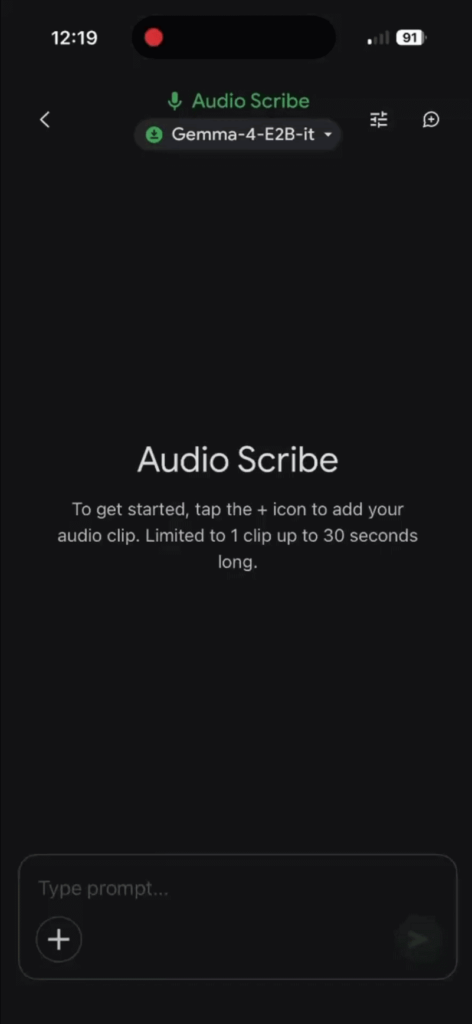
Using Audio Scribe:
- Speak naturally
- AI transcribes your speech
- Converts it into a structured draft
You get:
- Clean paragraphs
- Subject lines
- Professional formatting
Unlike most tools, it doesn’t just transcribe — it edits and formats automatically.
3. Agent Skills (AI That Takes Action)
This is the most powerful feature.
Instead of just answering, AI can:
- Choose tools
- Execute actions
- Display results
Examples:
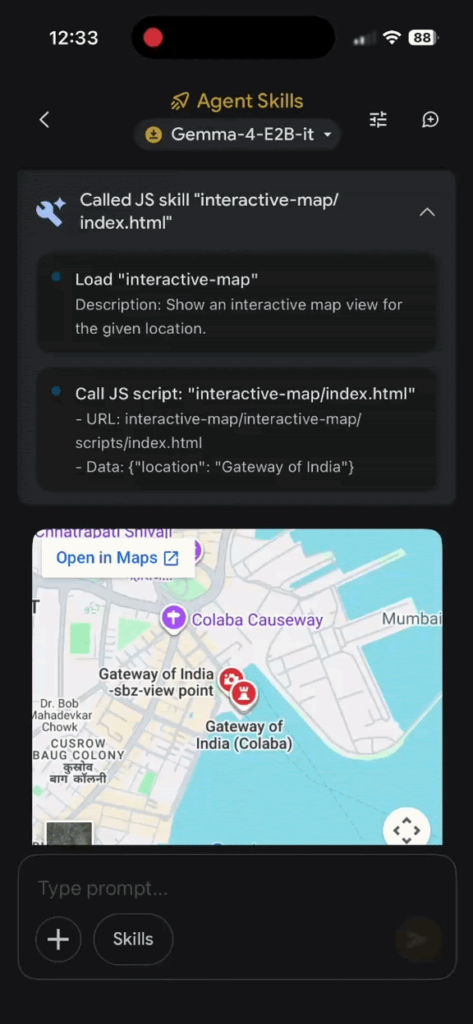
Map Search
“Show Gateway of India”
→ Opens interactive map inside app
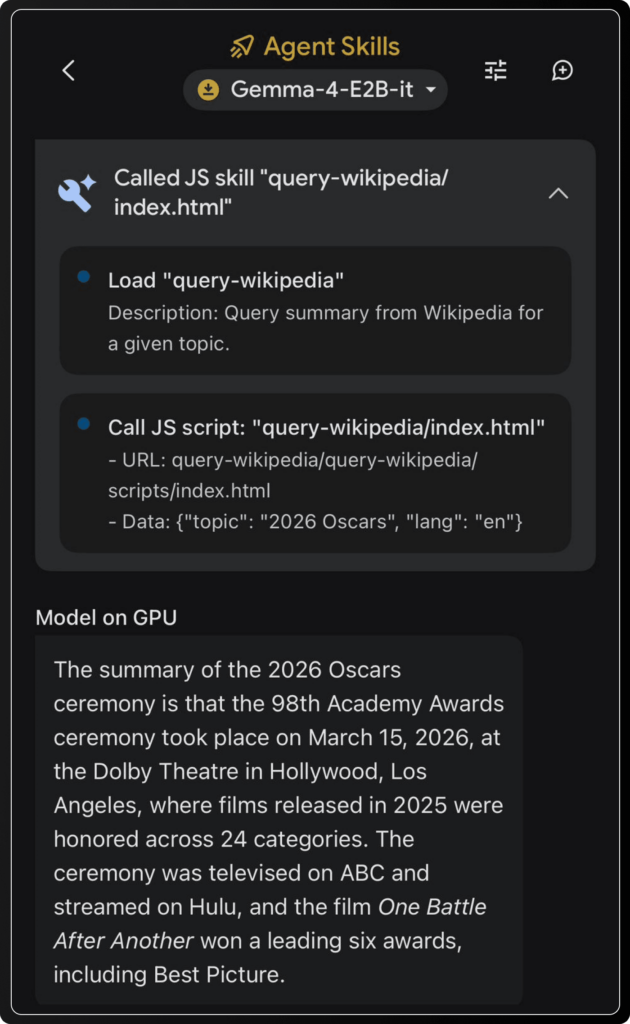
Information Lookup
“Summarize 2026 Oscars”
→ Fetches and explains key highlights
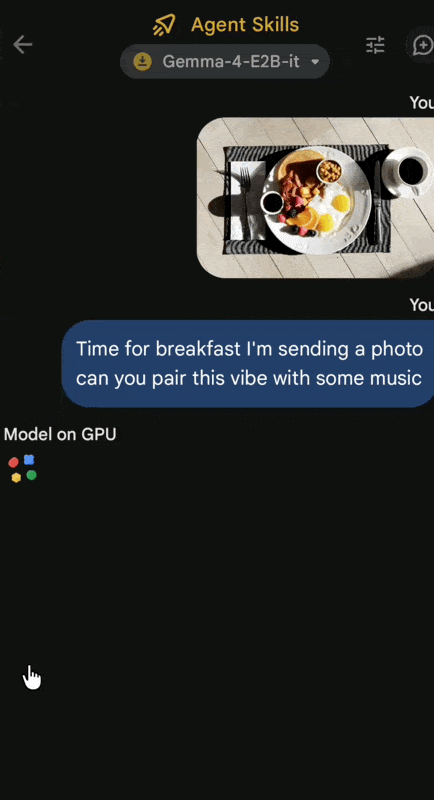
Image + AI (Multimodal)
Upload a photo → Get insights + music suggestions
👉 This is called agentic AI — and it’s running locally.
4. Custom AI Tools (Advanced Users)
You can:
- Enable/disable AI skills
- Build custom workflows
- Customize responses
This makes it useful for:
- Freelancers
- Developers
- Productivity systems
Gemma 4 vs Cloud AI (ChatGPT, Gemini, etc.)
| Feature | Gemma 4 (Offline) | Cloud AI |
|---|---|---|
| Internet Required | ❌ No | ✅ Yes |
| Privacy | ✅ Full | ❌ Limited |
| Speed | ⚡ Instant | ⏳ Depends |
| Cost | 💸 Free | 💰 Monthly |
| Power | ⚠️ Moderate | 🚀 High |
Verdict:
- Use Gemma 4 for privacy + daily tasks
- Use cloud AI for heavy workloads
Limitations You Should Know
To stay realistic:
- Smaller model = less powerful than GPT-4 level AI
- Limited real-time data (offline mode)
- Not system-wide like some premium tools
👉 But for a free tool, it delivers massive value.
Who Should Use This?
This setup is perfect for:
- Freelancers handling sensitive client work
- Students needing offline AI
- Writers and creators
- People tired of monthly AI subscriptions
Final Thoughts: The Future of AI Is Local
Most people won’t switch off their internet just to test this.
But that’s not the real takeaway.
👉 The real shift is ownership + privacy
You now have:
- AI that runs on your device
- Zero monthly cost
- No data tracking
This is the beginning of a new category:
Local AI (Edge AI)
And it’s only going to get better.
FAQs
Is Gemma 4 better than ChatGPT?
Not in raw power, but it wins in privacy, cost, and offline access.
Can I use AI without internet on my phone?
Yes, with tools like Gemma 4 running locally.
Is Google AI Edge Gallery free?
Yes, both the app and model are free.
How much storage does it need?
Around 3.6GB for the 4B model.

0 Comments